Case study Web App Oct 2026
SafetyWatch
Community crime reporting: file a report with or without an account, follow it with a tracking ID, and explore verified incidents on a list, a map and charts.
Browse verified reports, the crime map and statistics without an account.

Overview
SafetyWatch lets anyone report an incident in three steps (details, location on a map, review), anonymously or under their name. Every report gets a tracking ID for follow-up, admins review it through a clear workflow, and verified incidents become public on a list, a clustered map with a heatmap and satellite layer, and statistics.
By the numbers
- accounts needed to file or track a report
- 0
- steps from incident to submitted report
- 3
- review states, from pending to resolved
- 5
The problem
Reporting an incident should take a few minutes, work without creating an account, and let the reporter follow up later. The community should be able to see verified incidents nearby, without ever exposing who reported them.
What it does
- Three-step reporting Details, location on a map, review; signed in or anonymous.
- Evidence photos Up to three, downscaled in the browser before upload, with an optional “Extract details from image” that drafts the title, description and crime type.
- Tracking IDs Every report gets one, so the reporter can check its status later without an account.
- Review workflow Admins move reports from pending to reviewing to verified or rejected to resolved, with search, filters, sorting and delete.
- Public views Verified reports newest or nearest first, a clustered map with heatmap and satellite layers, and statistics by type, location, month and hour.
- Personal dashboard Your own reports, editable until an admin starts reviewing them.
- Sign-in Email and password, or Google.
Reporting, end to end
The report form has three steps: the details, a location picked on a map (with OpenStreetMap address lookup), and a review. Signed-in users report under their name; anyone can choose to report anonymously, and an anonymous report never carries a user id.
Every report gets a 16-character tracking ID generated on the server. The tracking page shows the status and the reporter’s own text for that one report, and nothing else.
Photos made small and safe in the browser
Evidence photos are downscaled and re-encoded as JPEG on a canvas before upload, so three fit in one request. Re-encoding also strips EXIF metadata such as the GPS position of the camera.
The photos live in a private Vercel Blob store, and their URLs never reach the browser. They are served through a route that applies the same visibility rule as the report itself.
AI that drafts, people decide
“Extract details from image” sends one photo to Gemini from a server action, so the API key never reaches the browser. The response is constrained to a JSON schema generated from the same Zod schema that then validates it, and the prompt treats any text inside the photo as evidence to describe, never as instructions. The result only pre-fills the form; the reporter reviews it and submits. If the model fails, the form simply asks for the details.
Access rules, enforced on the server
- Roles live in the database and cannot be set through sign-up or profile updates. Only the seed script grants admin.
- Every mutation is a server action that checks the session and role and validates its input with Zod. Users can edit only their own pending reports, and only admins change a status or delete a report.
- Public pages query only verified and resolved reports, and those queries never select the reporter’s name or email.
Maps and statistics
Verified reports appear on a Leaflet map with marker clustering, a heatmap and a satellite layer, filterable by crime type. “Nearest first” sorts by great-circle distance in SQL, and the schema has an index for each public query: status with incident time, owner with creation time, crime type, coordinates and locality. Statistics break incidents down by type, location, month and hour in a configurable time zone.
Stack and deployment
Next.js 16 with the App Router, Server Components and Server Actions; PostgreSQL through Prisma 7; Better Auth for email/password and Google sign-in; deployed on Vercel. The app validates its environment at startup and refuses to run while a required variable is missing.
Limits and next steps
- There is no email sending yet, so no email verification, password reset or status notifications. Reporters follow up with their tracking ID.
- Anonymous submissions and image analysis are not rate-limited yet (sign-in and sign-up are).
Screenshots
-
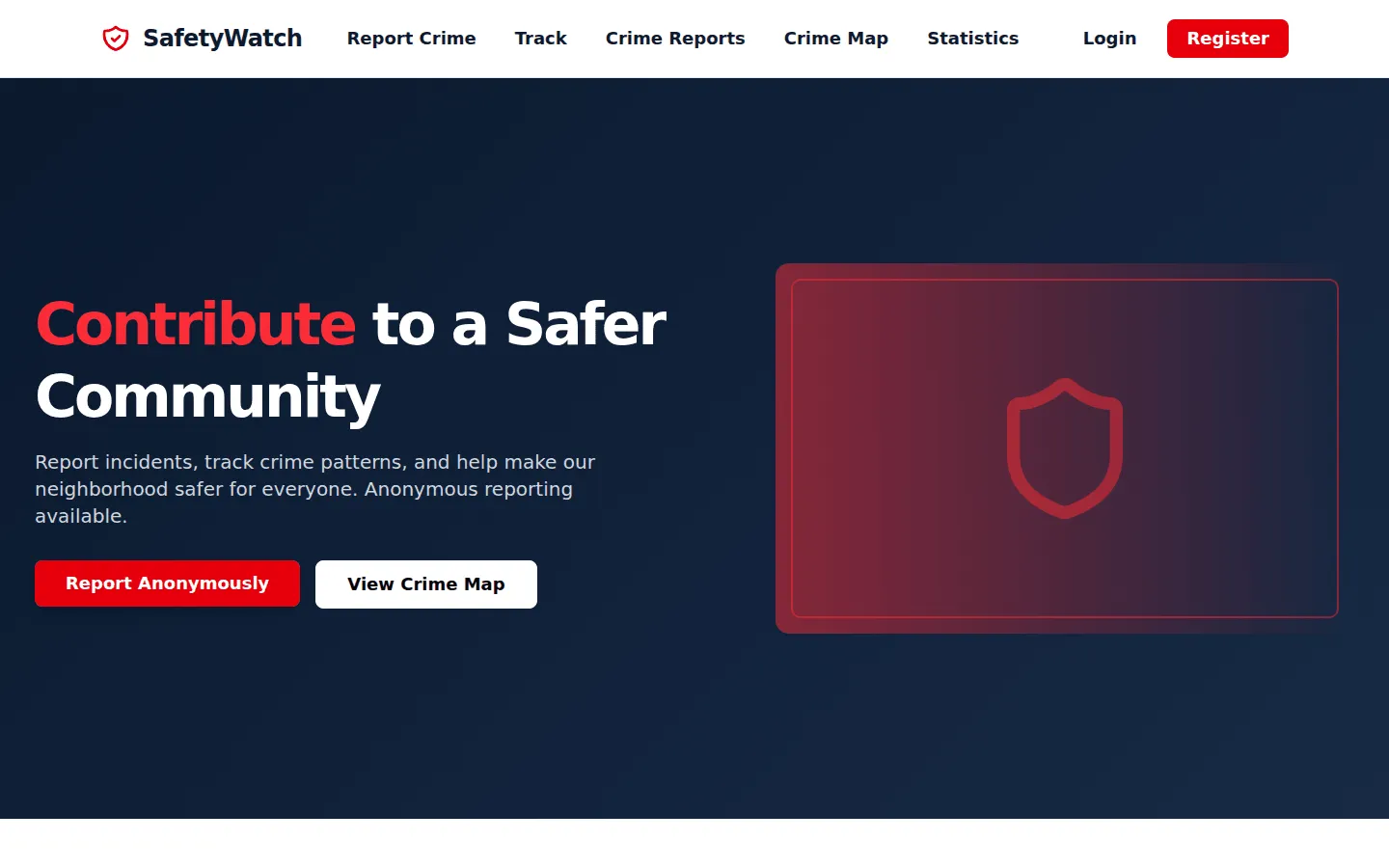
Fig. 02 Home -
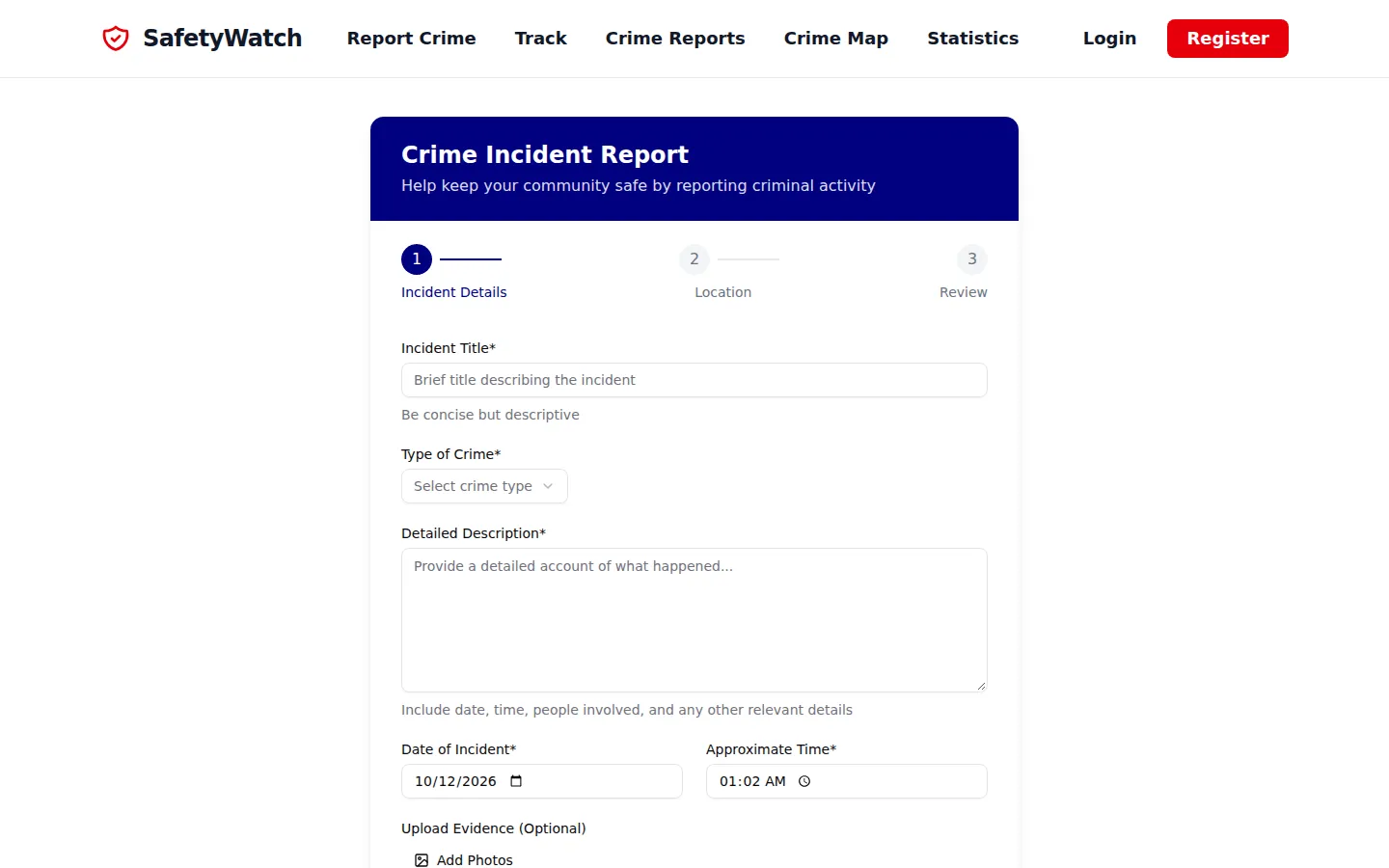
Fig. 03 Step one of the report form -
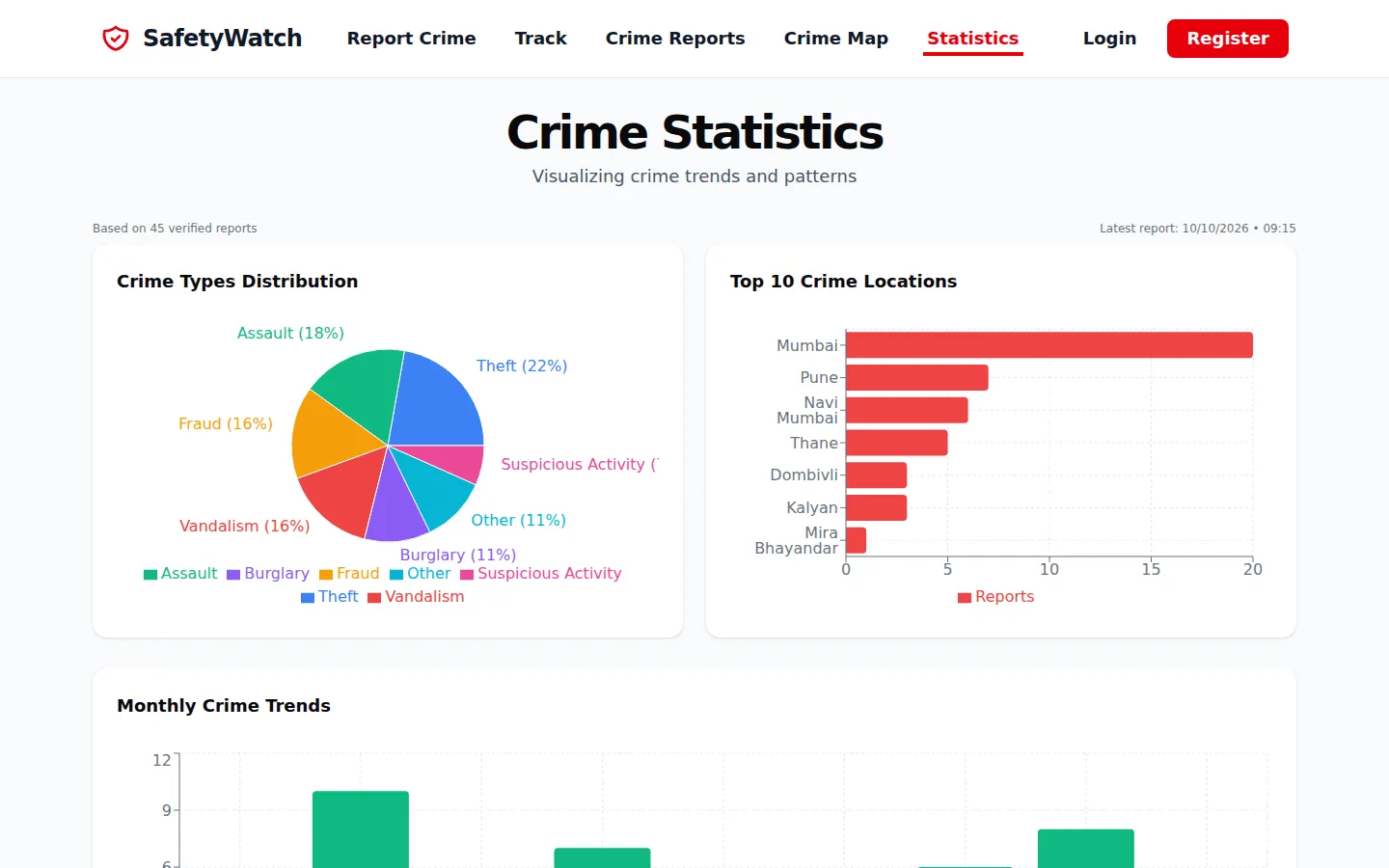
Fig. 04 Statistics by type and location -
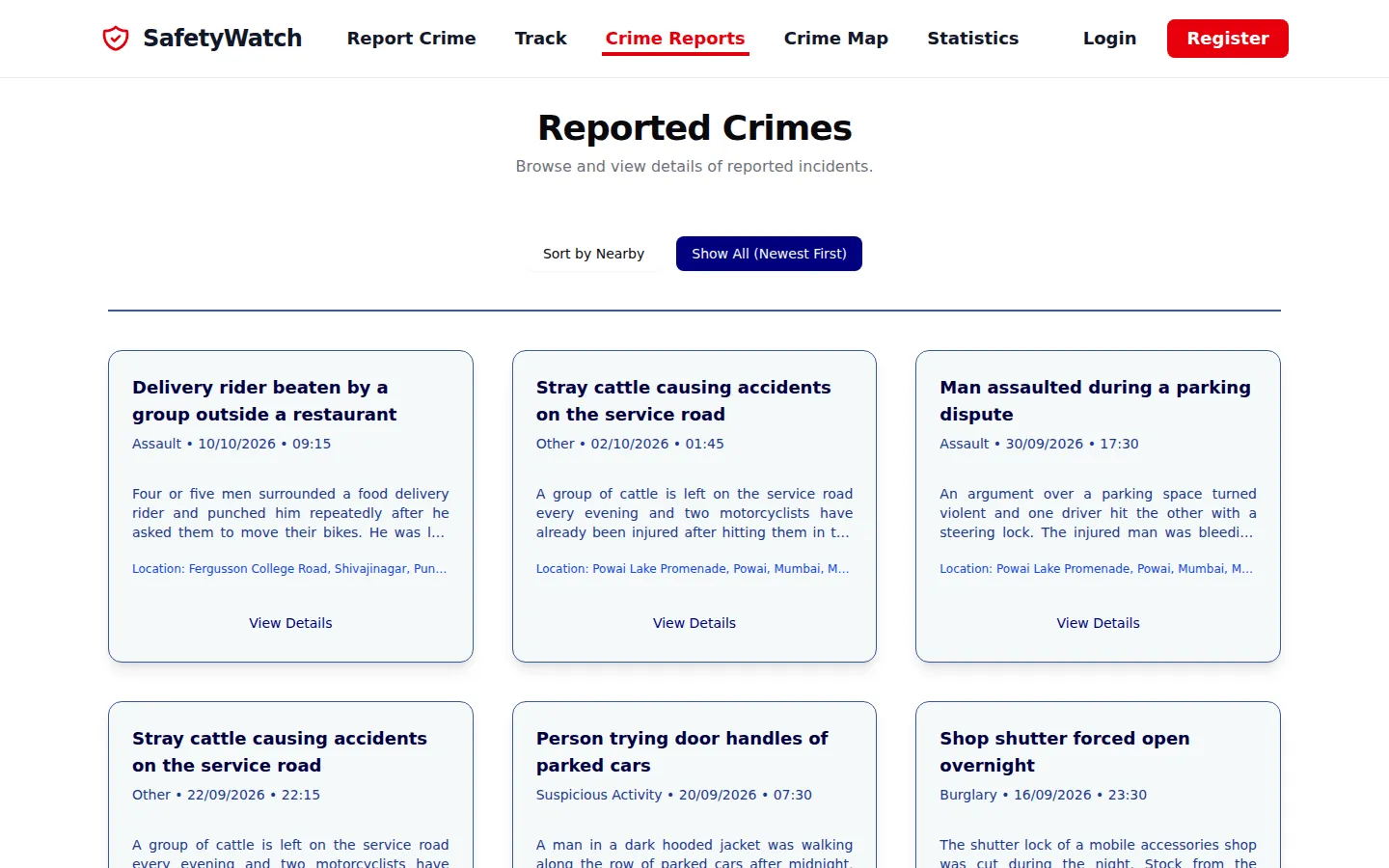
Fig. 05 Verified reports, newest or nearest first -
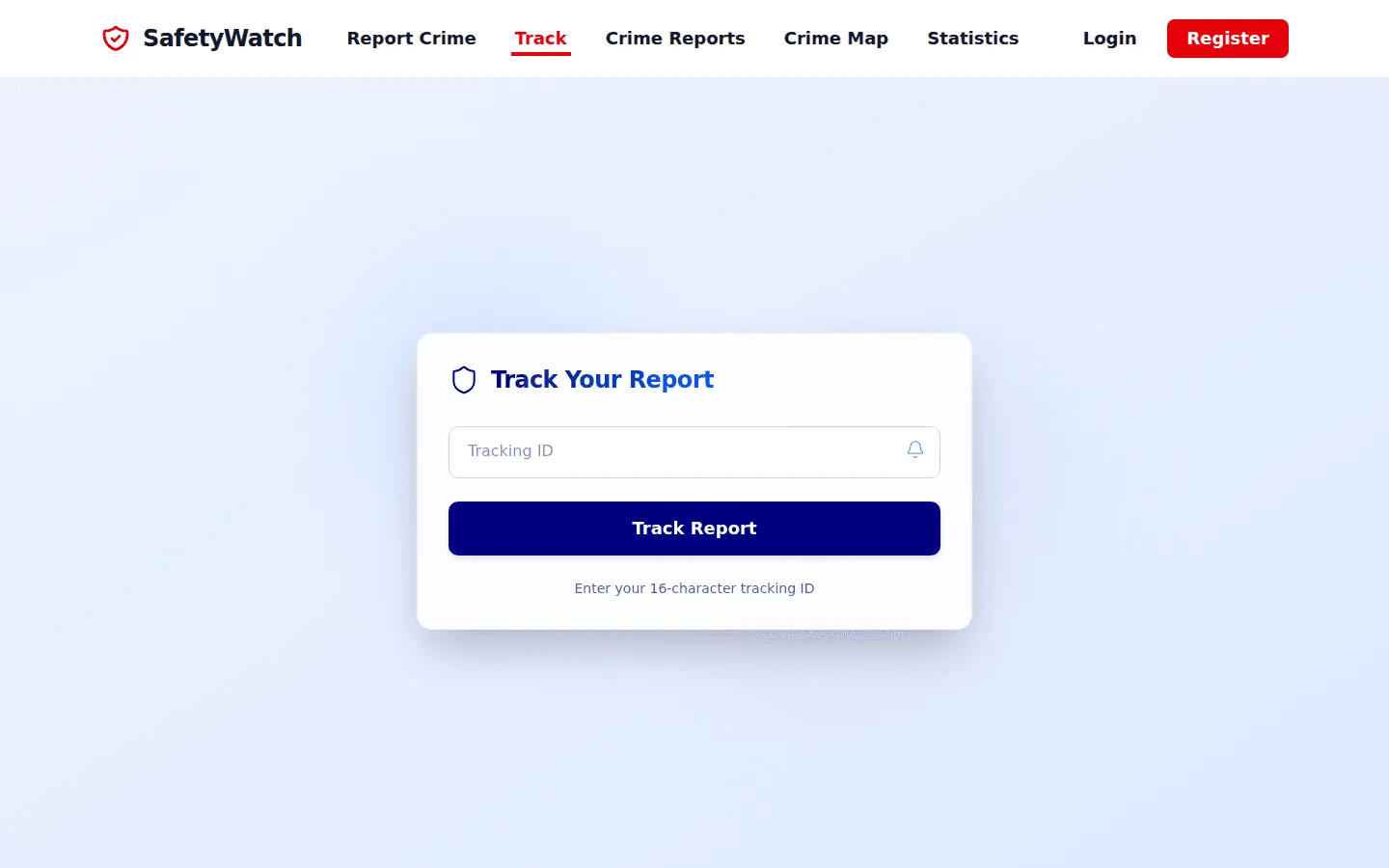
Fig. 06 Track a report without an account -
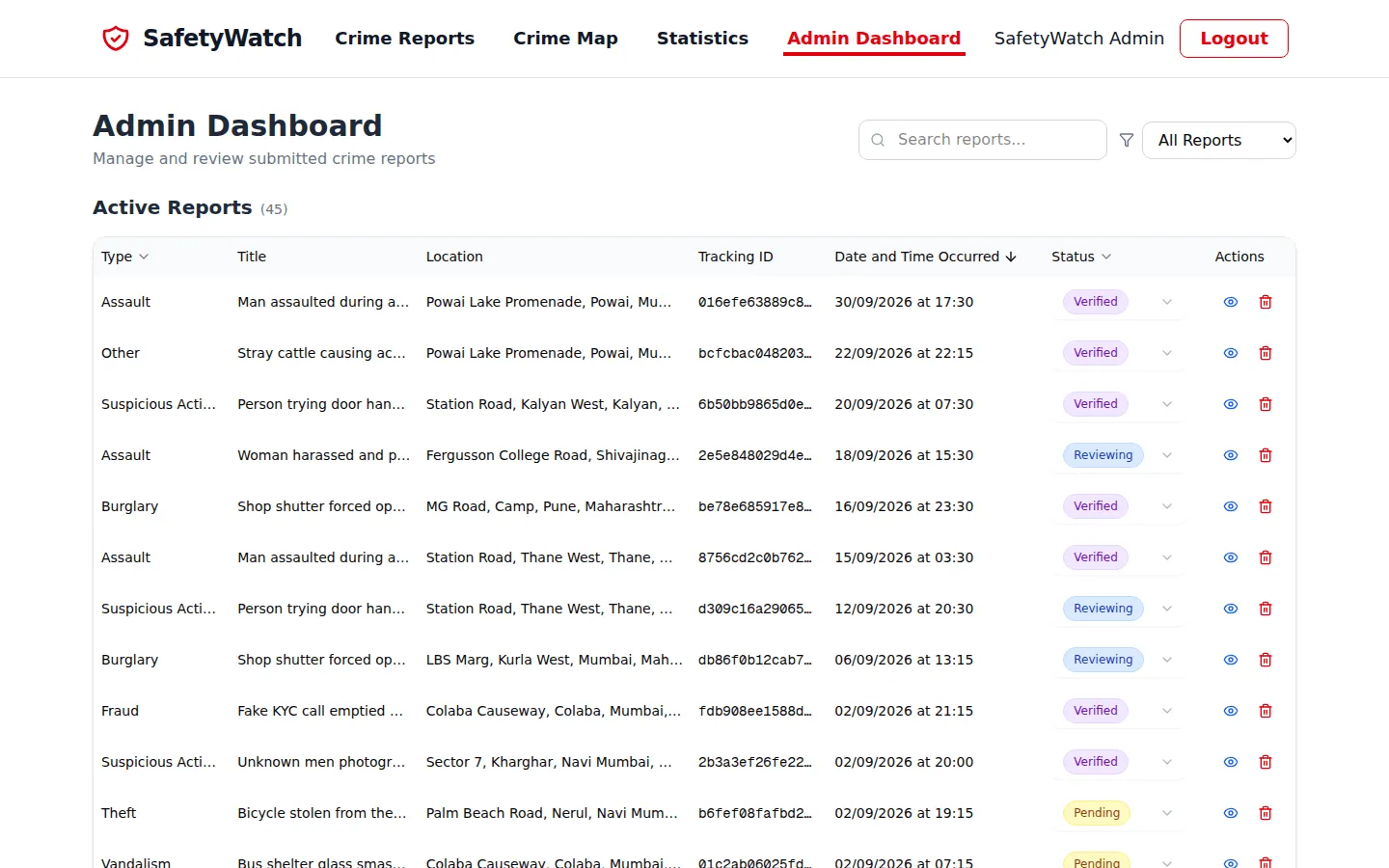
Fig. 07 Admin review dashboard
-
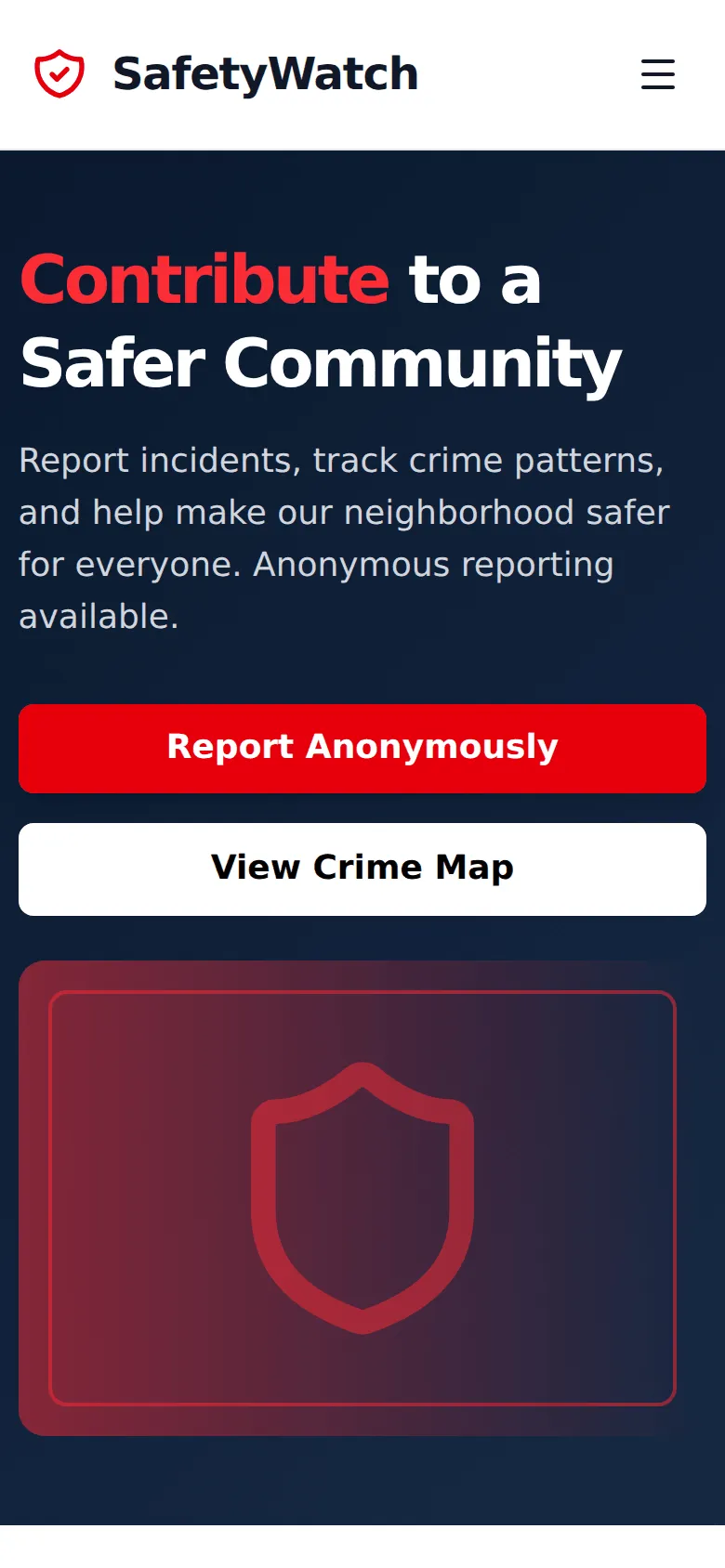
Fig. 08 Home on a phone